
LEAP Scheduler polls your staff, reads your company policy, checks the law, and hands your manager a finished shift assignment.
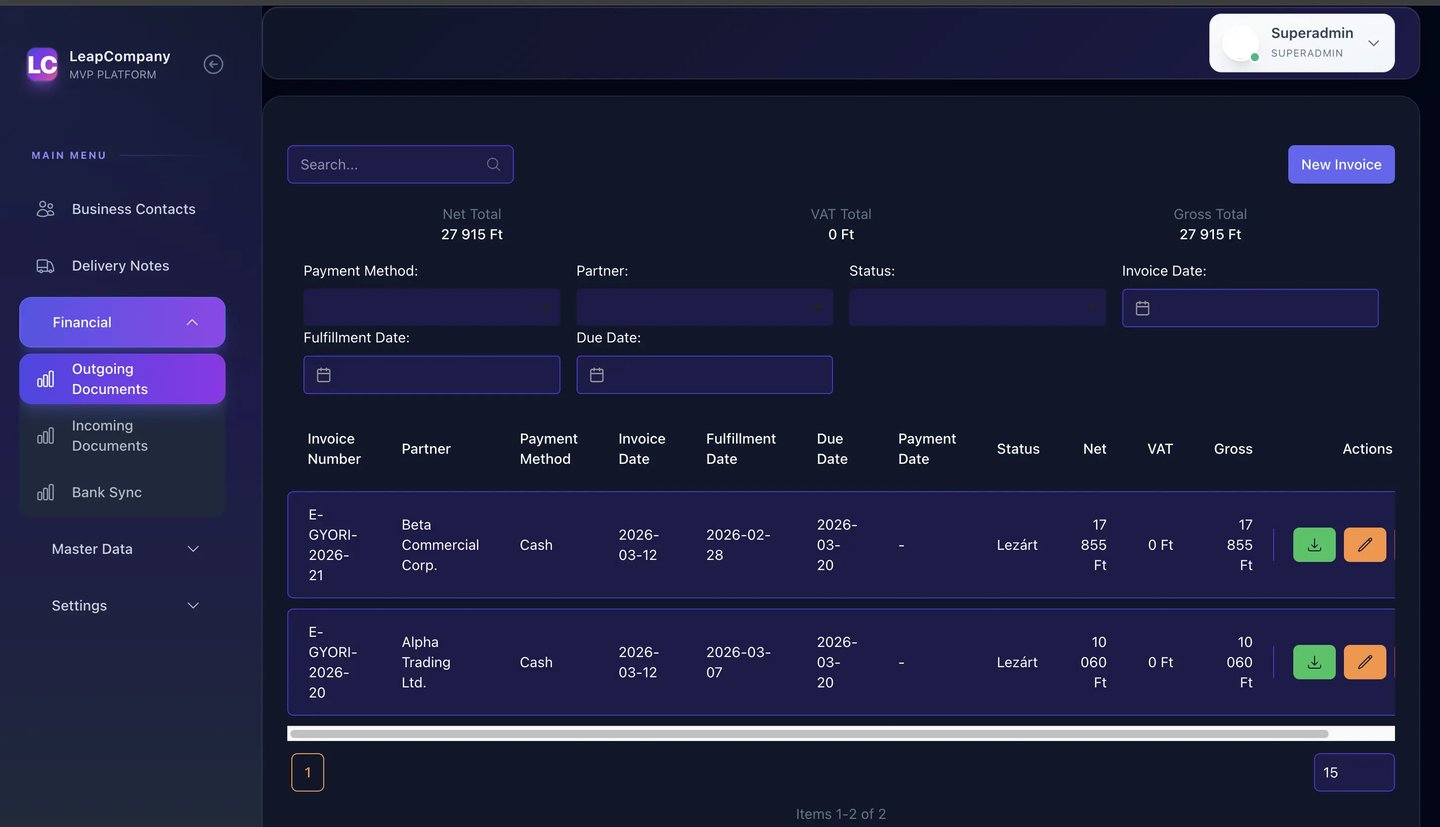
Leap Scheduler
Your manager's worst Monday morning. Automated.
Staff requests coming in through texts, emails, and corridor conversations. Conflicts that no one caught until the schedule was already sent. Hours spent rebuilding what should have been a 10-minute job.
LEAP Scheduler ends that loop.
Your staff submit their requests. Our system reads them, weighs them against your company policy and local labour law, and produces a finished shift draft.


Four steps.
One finished schedule, designed to feel effortless.
THE PROCESS
The system asks. Staff respond.
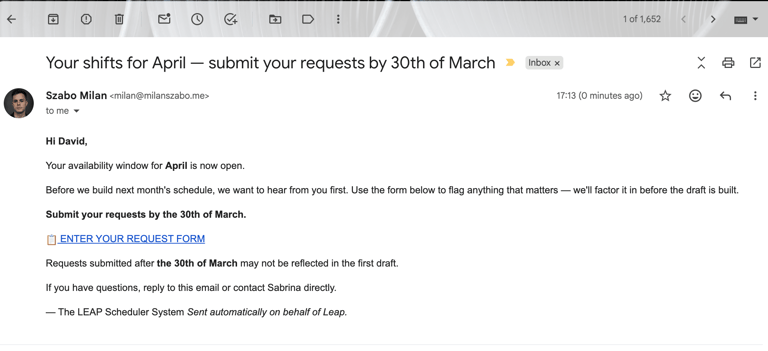
Before each scheduling period, LEAP Scheduler sends a structured email to every team member. Staff submit their requests directly from the email: paid days off, vacation blocks, early finishes, shift type preferences, anything they need flagged for the upcoming month.
STEP 01 — Automatic Staff Polling
Policy checked. Laws verified. Draft ready.
Leap Scheduler analyses every request against your company's own scheduling policy: shift minimums, role requirements, seniority rules, and cross-references local labour law automatically. Overtime limits, mandatory rest periods, statutory leave entitlements. All factored in before a single shift is assigned.
Step 02 — AI-Powered Draft Generation
Full control.
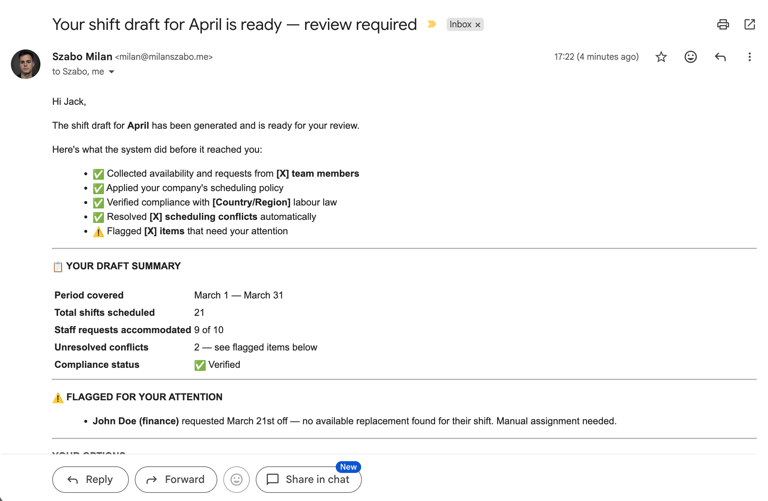
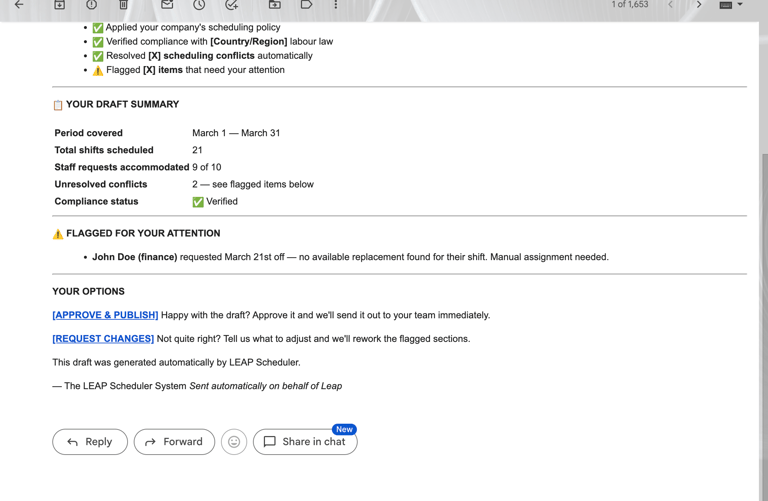
The draft lands in your shift manager's inbox. They review it, and they have two choices.
Approve it and move on. Or flag what needs changing and send it back to the LLM for another pass. The system reworks the specific sections flagged, not the whole schedule.
Step 03 — Manager Review & Refinement
Finalized. Sent. Done.
Once approved, the finished schedule goes out the way your team actually receives information: email, your existing company app, your HR platform, or any system you already use.
No system yet? We'll help you build one. Every LEAP Scheduler deployment includes implementation support so your staff always know where to find their shifts.
Step 04 — Publish